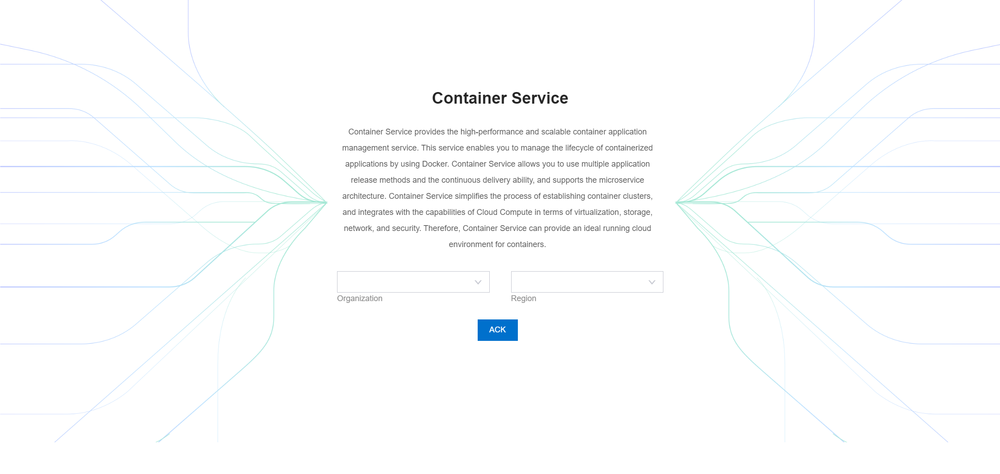
Login to the Container Service console
For detailed instructions on activating the ROS in CRE, please refer to the user manual section -Activate the ROS.
- On the CRE website, log in to the console.
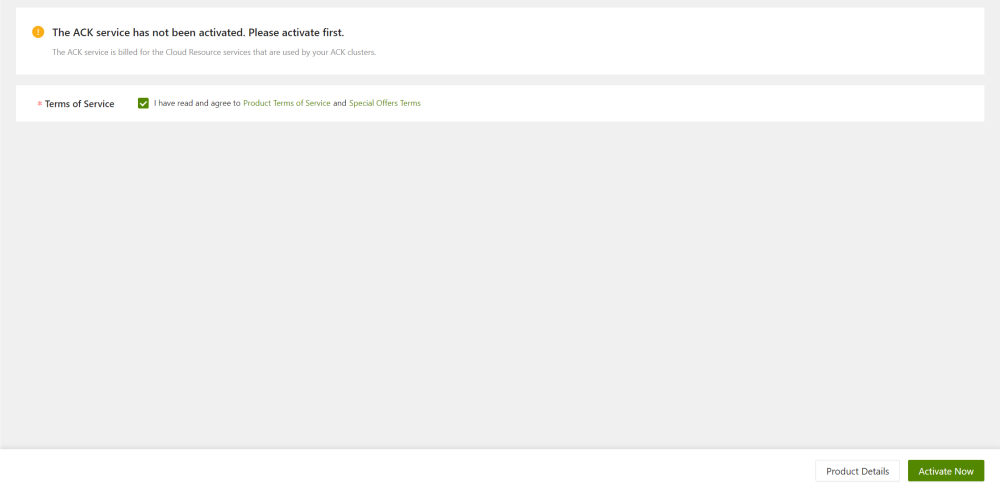
- On the Console page, click the Activate Now button..
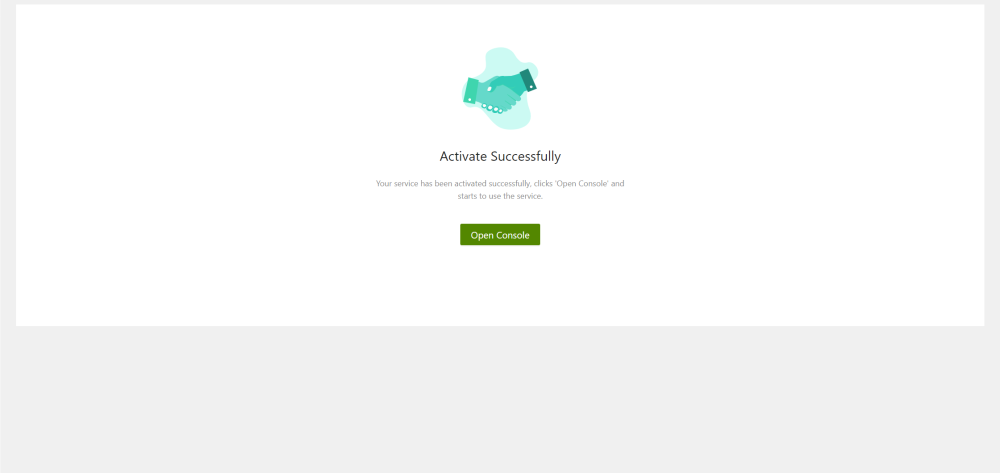
- Once activation is complete, review the status as shown.
- On the Container Service page, choose an organization and a region.